
Choosing the best tech stack for mobile app development is one of the most important decisions startups and businesses make before building an app.
The right mobile app technology stack affects:
- Development cost
- Time to launch
- App performance
- Scalability
- Long-term maintenance
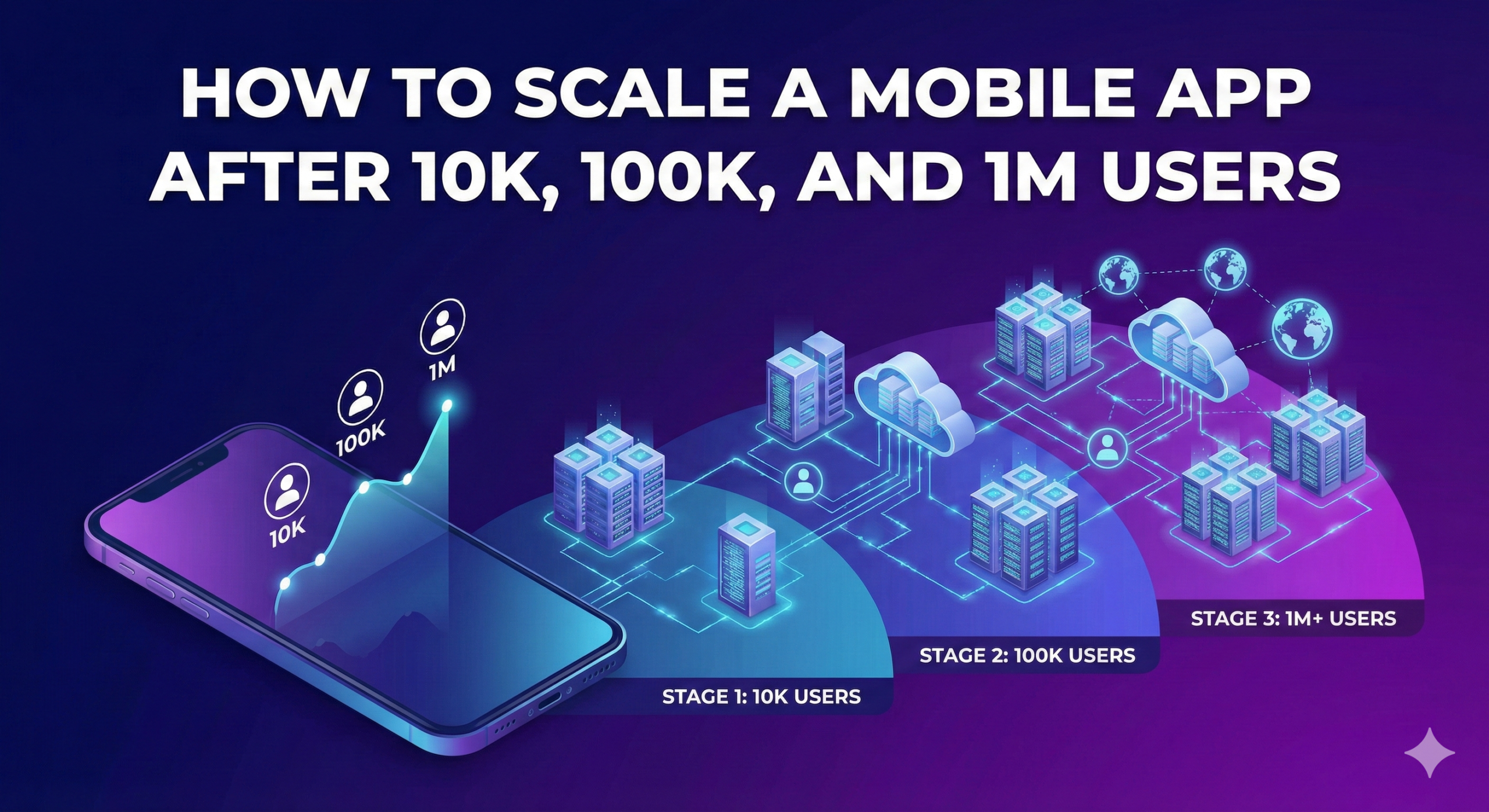
In 2026, mobile apps are no longer just about screens — they require scalable backends, real-time systems, AI integrations, and cloud-ready architecture.
👉 If you’re planning to build an app: Explore Our Mobile App Development Services
What Is a Mobile App Tech Stack?
A mobile app tech stack is the combination of:
- Programming languages
- Frameworks
- Backend technologies
- Databases
- Cloud infrastructure
that power your mobile application.
Choosing the wrong stack can lead to:
❌ Slow performance
❌ Expensive rewrites
❌ Scaling issues
Choosing the right stack helps you:
✔ Launch faster
✔ Reduce costs
✔ Build scalable products
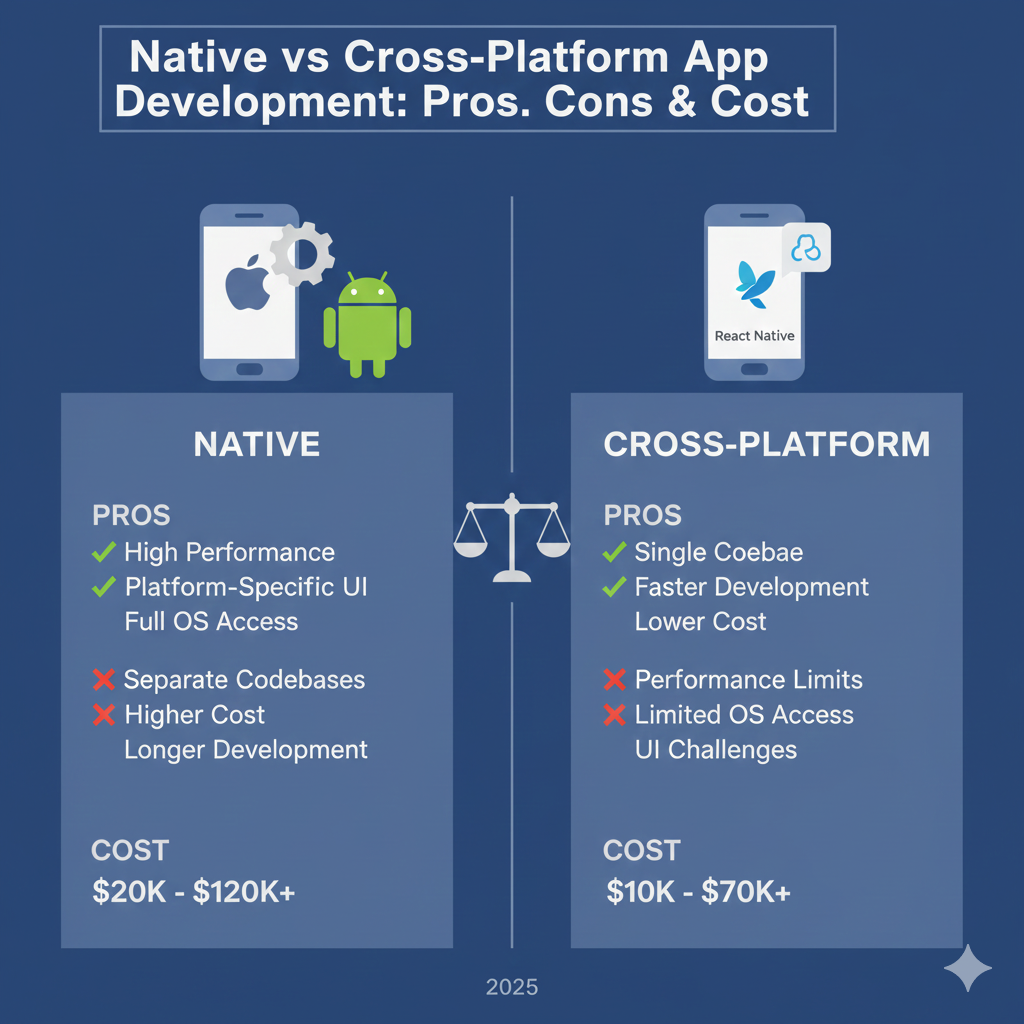
Native vs Cross-Platform Tech Stack in 2026
Before selecting tools, you must choose your approach.
Native App Development Stack
Native apps are built specifically for:
- iOS
- Android
They offer:
✔ Best performance
✔ Better security
✔ Long-term scalability
Learn more here:
iOS Vs Android: Which platform you should build first ?
Cross-Platform Development Stack
Cross-platform apps allow you to build for:
- iOS
- Android
using a shared codebase.
They help:
✔ Reduce development cost
✔ Launch faster
✔ Build MVPs efficiently
👉 Many startups start with cross-platform MVPs before scaling.
Best iOS Tech Stack in 2026
If you’re building for Apple users, this is the modern stack:
Language
- Swift
Swift continues to dominate iOS app development due to:
- Performance
- Safety
- Apple ecosystem support
UI Framework
- SwiftUI
SwiftUI enables:
✔ Faster UI development
✔ Cleaner architecture
✔ Real-time previews
👉 This is the stack we use for scalable iOS apps at Nerdware Labs
Best Android Tech Stack in 2026
Android continues to power the majority of global mobile users.
Language
- Kotlin
Kotlin is now the industry standard for Android app development.
UI Framework
- Jetpack Compose
Jetpack Compose enables:
✔ Modern UI
✔ Faster iteration
✔ Reduced boilerplate code
If your app targets mass adoption, Android is often essential.
👉 Learn the cost implications here: Mobile App Development Cost Guide
Best Cross-Platform Stack in 2026
For startups and MVPs, cross-platform remains powerful.
Flutter
Flutter continues to lead in:
- Performance
- UI consistency
- Startup MVP development
Best for:
✔ MVP apps
✔ Budget-conscious startups
✔ Fast launches
Backend Tech Stack for Mobile Apps
Mobile apps need scalable backend systems.
Recommended Backend Stack
| Component | Tech |
|---|---|
| API Layer | Node.js / PHP / Python |
| Authentication | JWT / OAuth |
| Realtime | WebSockets |
| Cloud | AWS / GCP |
Backend architecture directly impacts:
- Performance
- Security
- Scalability
👉 See how we architect scalable systems: Software Development & Cloud Solutions
Best Database Stack in 2026
Choosing the right database depends on app type.
SQL Databases
- PostgreSQL
- MySQL
Best for:
✔ Structured data
✔ Reliability
NoSQL Databases
- MongoDB
- Firebase
Best for:
✔ Real-time apps
✔ Rapid scaling
Cloud & DevOps Stack
Modern mobile apps are cloud-first.
Recommended stack:
- AWS
- Google Cloud
- Docker
- CI/CD pipelines
Cloud-ready apps scale faster and reduce downtime.
AI-Ready Mobile Stack (Future-Proofing)
In 2026, apps increasingly integrate:
- AI recommendations
- Personalization
- Automation
Tech like:
- TensorFlow
- OpenAI APIs
are becoming part of modern stacks.
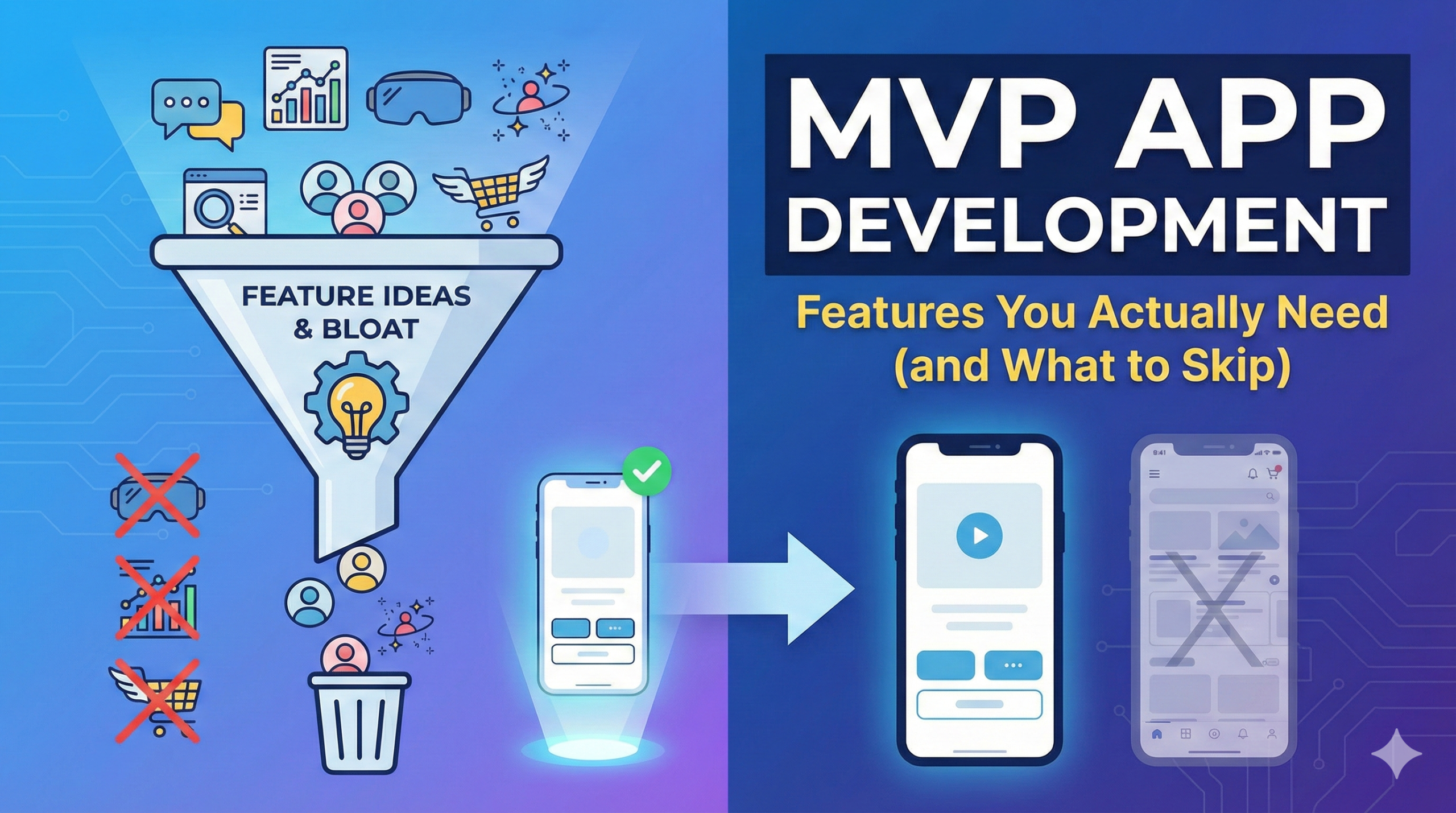
Best Tech Stack for Startup MVPs
If you’re building an MVP, the ideal stack is:
✔ Fast
✔ Cost-efficient
✔ Scalable
Typical MVP stack:
- Flutter (frontend)
- Node.js backend
- PostgreSQL
- AWS
Most MVP apps today fall between
👉 $10,000 – $40,000
when built efficiently.
How to Choose the Right Mobile App Stack
Ask yourself:
- Who is your target audience?
- What’s your budget?
- Do you need scalability?
- Do you need speed-to-market?
There is no universal stack — only the right stack for your product.
Why Businesses Choose Nerdware Labs
At Nerdware Labs, we help startups and businesses:
✔ Choose the right tech stack
✔ Build scalable mobile apps
✔ Launch MVPs faster
✔ Avoid costly rebuilds
With 14+ years of experience, we design technology stacks that grow with your business.